Audiovisual (AV) integration is changing the way today’s offices communicate, collaborate, and share information. With hybrid meetings now a standard part of work and teams needing to move quickly, reliable AV technology is no longer optional; it’s essential. Learn what AV integration is, the day-to-day benefits it can deliver, and how Vista Technologies support systems from start to finish.
What Is Audiovisual Integration?
Audiovisual (AV) integration is the professional setup of meeting-room technology so every device works together. Screens, cameras, microphones, speakers, and conferencing software are configured as one coordinated system. This way, the room is designed around how your team actually meets.
Purpose and Applications
AV integration can support many spaces across the workplace, including:
Conference rooms:
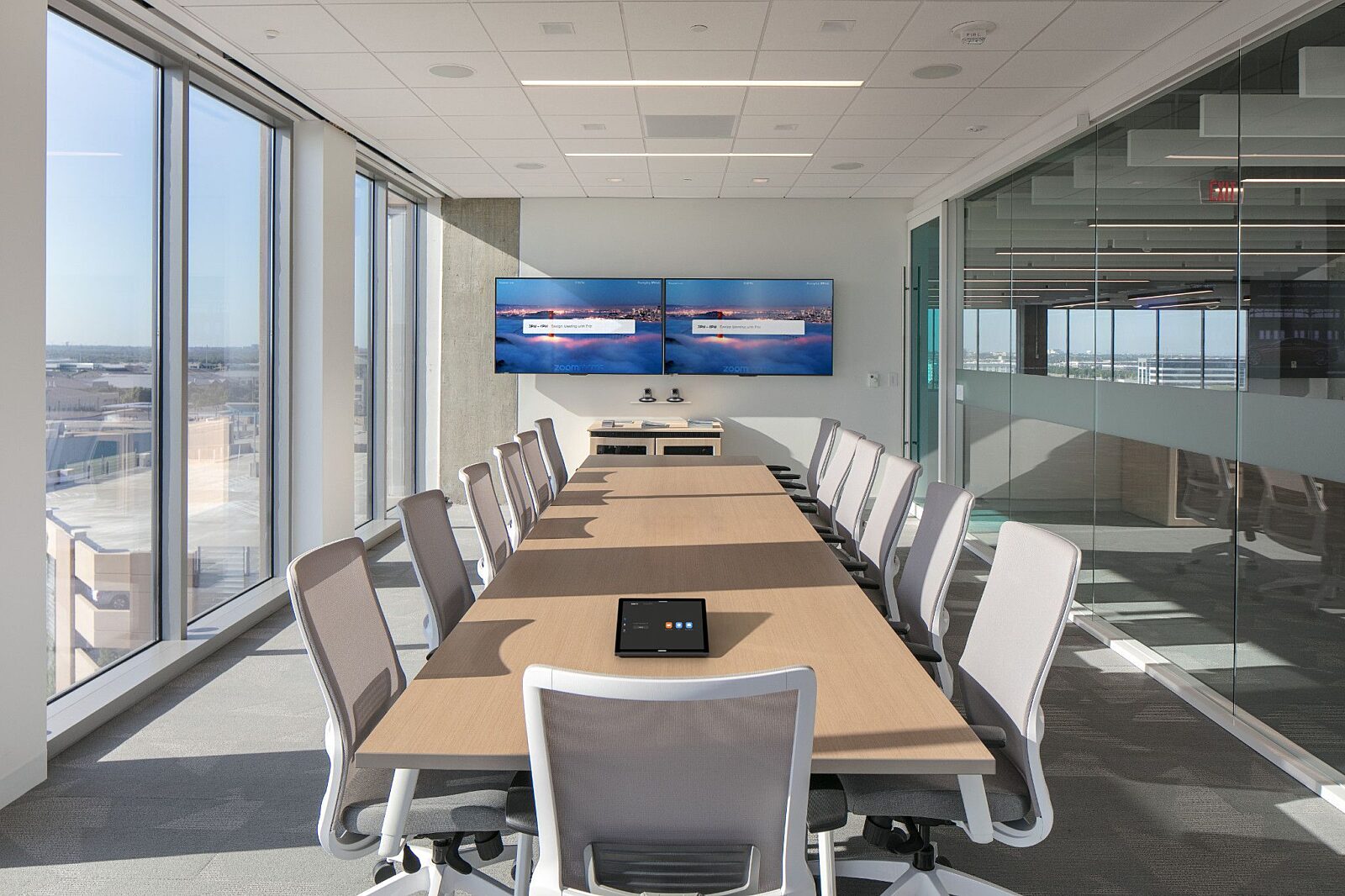
Standardizes room setups across sizes, with the right mix of displays, microphones, speakers, and simple controls for presenting and sharing content.
Reception areas and common spaces with digital signage:
Delivers consistent messaging with centrally managed displays for announcements, wayfinding, branding, and real-time updates across multiple locations.
Hybrid meeting spaces:
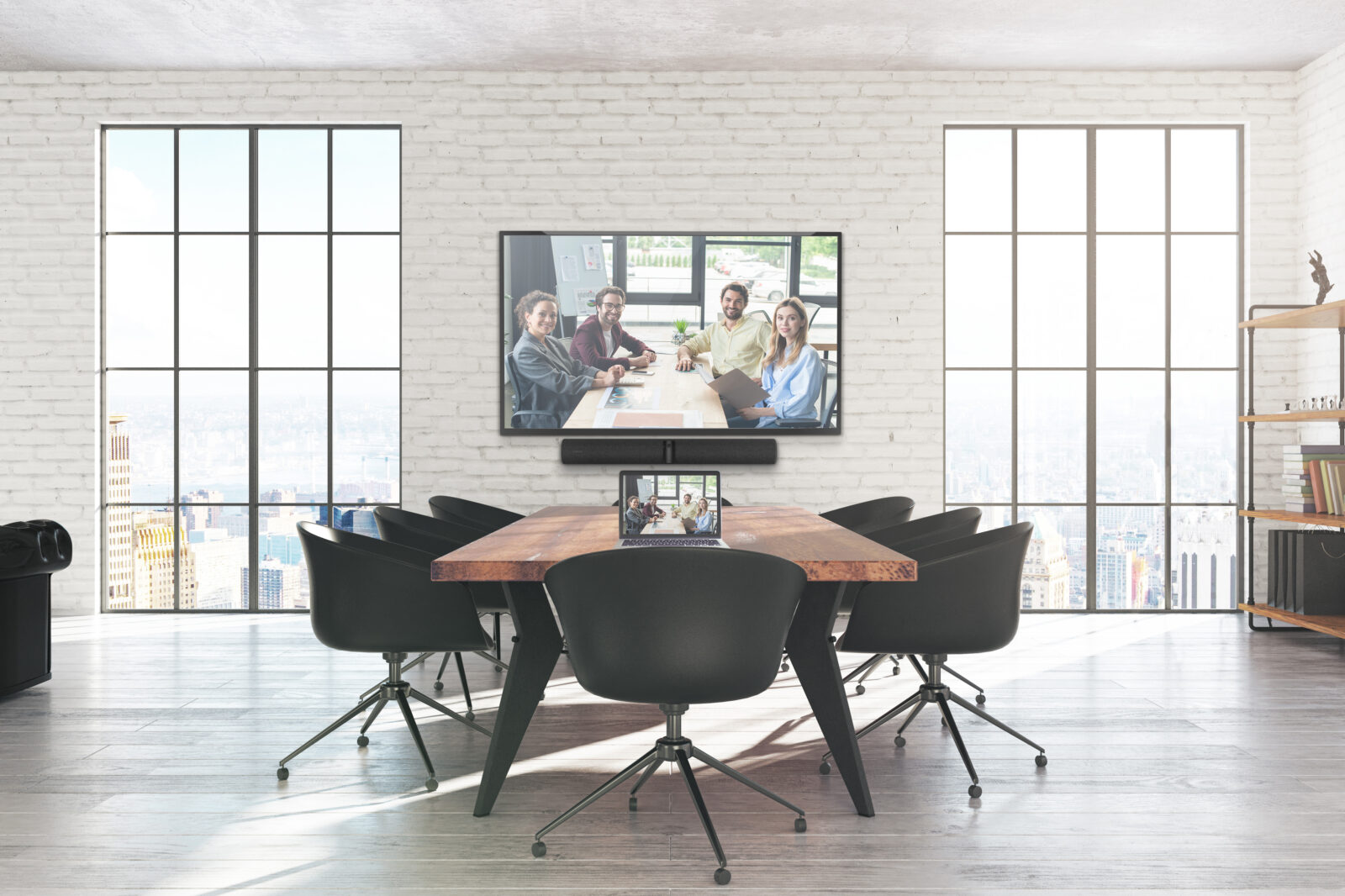
Improves the experience for everyone by balancing audio coverage, optimizing camera views, and integrating platforms like Teams or Zoom so remote attendees can see and hear clearly.
Training rooms and classrooms:
Supports instruction with flexible display options, strong voice reinforcement, wireless sharing, and recording or streaming when needed for remote or on-demand learning.
Key Benefits of Audiovisual Integration in Offices
Audiovisual integration helps offices run smoother by connecting displays, audio, cameras, and collaboration software into one consistent system. Instead of dealing with mismatched equipment from room to room, teams get a reliable setup that’s easier to use, easier to support, and better suited for hybrid work. Advantages include:
Enhanced Collaboration
Integrated AV systems make it easier for teams to connect and share ideas, whether they’re in the same room or joining remotely.
Utilize Collaboration Tools

Microsoft Teams and Zoom

Wireless Screen Sharing

Smart Boards and Interactive Displays
These tools allow people to present, annotate, and collaborate without stopping to swap cables or troubleshoot. When the technology is consistent from room to room, employees spend less time figuring out how to start and more time getting work done.
Scalability & Flexibility
Well-designed AV solutions can grow with your organization. As you add staff, expand locations, or convert offices into new meeting spaces, integrated systems are easier to standardize and upgrade than a collection of mismatched devices. This also helps maintain a consistent meeting experience across different types of rooms.
Reliability & Ease of Use
One of the biggest benefits is a smoother, more dependable experience.
AV integration reduces the common pain points:
- Audio that cuts out
- Cameras that won’t connect
- Failed screensharing
AV integration helps reduce downtime and frustration by making sure the equipment works together as one system. Simple controls and a consistent setup also make it easier for anyone to run a meeting confidently.
Productivity
When meetings start on time and technology works the first time, your team gains back valuable minutes every day. Fewer tech interruptions mean more focused discussions, quicker decisions, and less wasted time.
What to Know: The Steps of AV Integration
A successful AV upgrade is more than buying gear. It’s a planned process that makes sure the technology fits your spaces, supports your meeting goals, and works reliably day after day.
Here’s what a proper AV integration process typically includes:
1. Needs Analysis
Vista Technologies starts by evaluating your current setup and identifying what’s working (and what isn’t), your room types and use cases, and your collaboration goals. This step ensures that the final system matches how your teams actually operate.
2. Custom Solution Design
Based on the needs analysis, Vista recommends the right technologies for each space, prioritizing usability and performance, so you don’t overspend or end up with tools your team won’t use.
3. Professional Installation
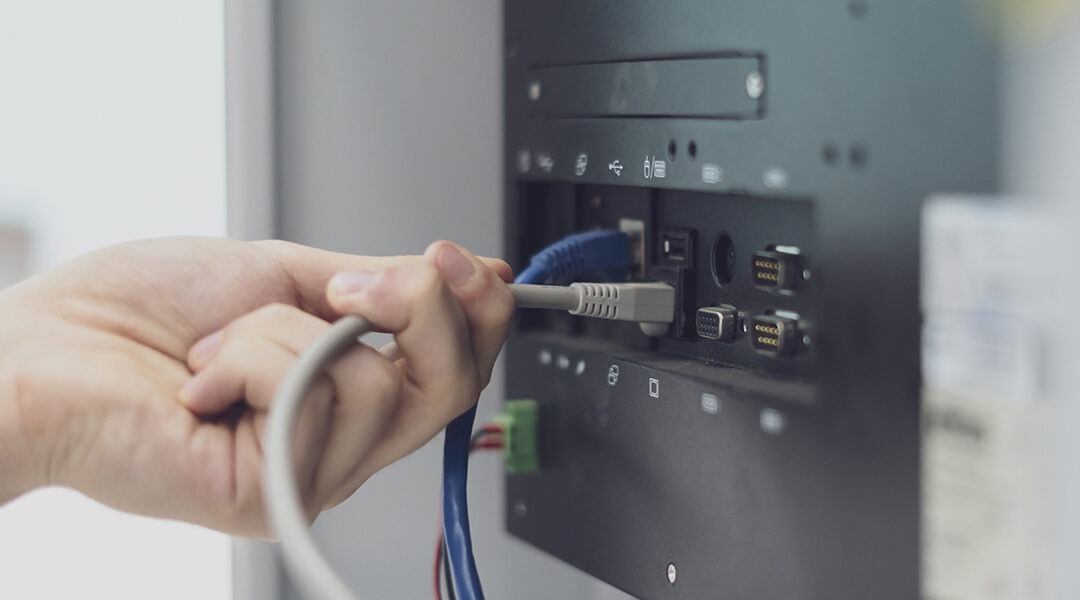
Professional installation ensures your system is installed safely, properly configured, and code-compliant. Vista also works to minimize disruption to daily operations while integrating all components into a seamless, easy-to-use setup.
4. Ongoing Support & Maintenance
AV systems perform best when they’re supported long-term. Vista provides proactive service through OneCare Service to help prevent issues before they interrupt meetings, and to keep your rooms running consistently over time.
Choose Vista Technologies for Your AV Integration
Choose Vista Technologies for your AV integration and get a partner with decades of experience supporting business environments, education settings, and public sector facilities. Vista delivers comprehensive solutions by managing the entire process from early planning to installation and long-term support, so you don’t have to juggle multiple vendors.
Because no two offices are the same, Vista takes a custom approach and designs around your space, your people, and how you work. When issues come up, you also get fast, real support through OneCare to keep systems running. If you’re ready to reduce meeting frustration, improve collaboration, and modernize your spaces, schedule a free consultation with Vista Technologies today!