Remote meetings are part of everyday work, so your conference room needs to keep up. When the audiovisual (AV) technology in your meeting room doesn’t meet your needs, real problems can arise! Slow starts, unclear audio, poor video—these are just the beginning! Add in constant troubleshooting, and suddenly, even a simple meeting becomes a hassle.
Vista Technologies, a division of Office Interiors, is here to assist. When you need help designing, upgrading, and ongoing support, they bring the expertise you need.
But it begs the question: how do you know when it’s time to upgrade your conference room technology? Here are five sure signs it’s time for a refresh.
1) Late Starts
A conference room should make meetings easier—not make everyone wish they had stayed at their desks.
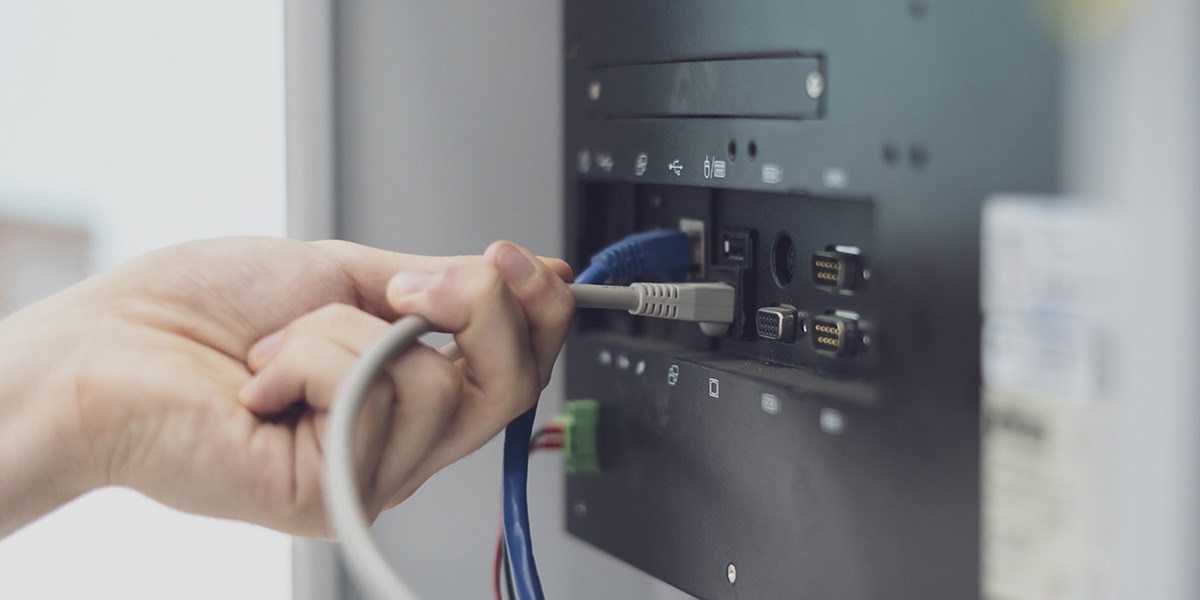
If it takes five minutes to find the right cable, choose the right input, or get the screen to work, your technology is slowing you down. And when every room works differently, even your best users waste time fixing issues instead of starting the meeting.
Common signs include:
- Too many steps to join a video call
- Hard to switch devices or inputs
- Missing cables or needing adapters
- Confusing or inconsistent controls
- Frequent help desk calls for basic setup
Vista Technologies can help create a standardized technology experience across your organization or campus, so users know what to expect no matter which room they walk into. Controls, connections, and meeting workflows can be designed to work consistently from room to room.
This approach is especially valuable for organizations with multiple conference rooms or buildings. Vista Technologies has helped clients such as Saint Mary’s College and Bowen Health create more consistent technology experiences across their spaces.
The result: faster starts, fewer mistakes, and a conference room experience employees can rely on wherever they meet.
2) Constant Audio Issues
Clear, consistent audio is essential for productive hybrid meetings. If mics don’t capture everyone or the speakers don’t match the room, remote people miss important details, ask you to repeat, and tune out.
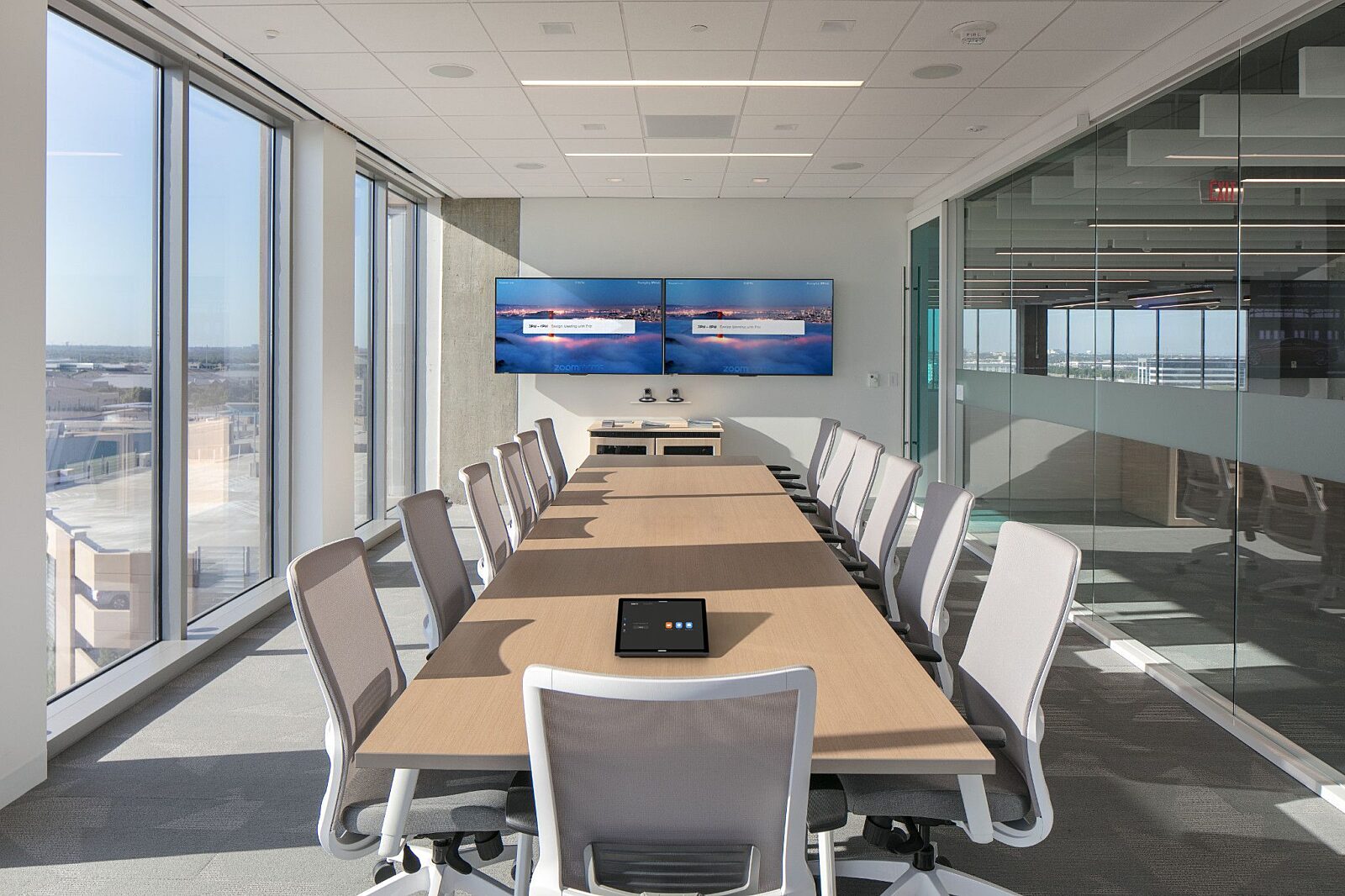
Audio issues tend to show up most in larger rooms and open spaces with hard surfaces, high ceilings, or lots of background noise. In those spaces, a “one setup fits all” approach often leads to uneven sound, echo, or feedback. And even when the equipment is solid, placement and configuration make a major difference. What works in one room may not work in another.
Vista Technologies designs audio for each room based on its layout, seating, and acoustics, so sound stays clear and consistent. OneCare Service provides ongoing support to help keep audio and AV systems performing reliably over time, allowing small issues to be addressed before they become recurring disruptions.
For larger technology needs, OneCare Complete provides a more comprehensive approach to managing AV systems throughout their lifecycle. Whether you’re upgrading a single conference room or planning improvements across an entire campus, OneCare Complete provides continued support and helps organizations plan for upgrades as components reach end of life or become obsolete.
3) Poor Video Quality
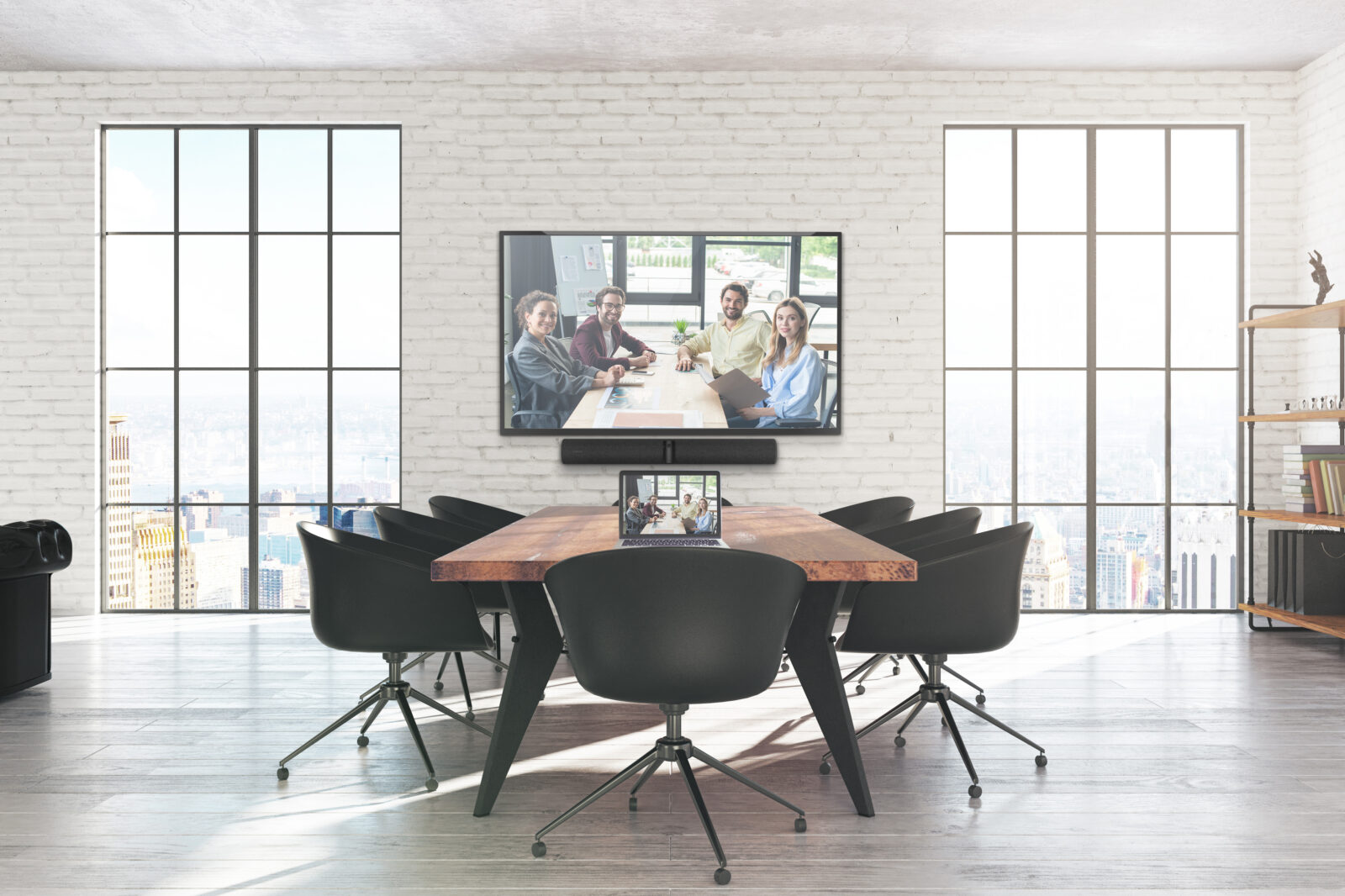
If remote attendees can’t see faces clearly or tell who’s speaking, it becomes harder to stay engaged. Video problems don’t always mean the camera has stopped working. Sometimes the issue is that the camera simply isn’t right for the room.
You may notice:
- An awkward camera angle or mounting height
- Participants appearing too far away
- The camera positioned off to the side
- Difficulty framing multiple speakers
- Limited camera movement or tracking capabilities
Vista Technologies helps figure out what the room actually needs instead of just swapping in a newer camera. The right camera, placement, room layout, and meeting style all matter.
Whether the space is for executive meetings, training, presentations, or roundtables, Vista Technologies designs the setup around how you use the room. This gives remote participants a more natural view, and the room works the way your team expects.
4) Screen Sharing is a Gamble
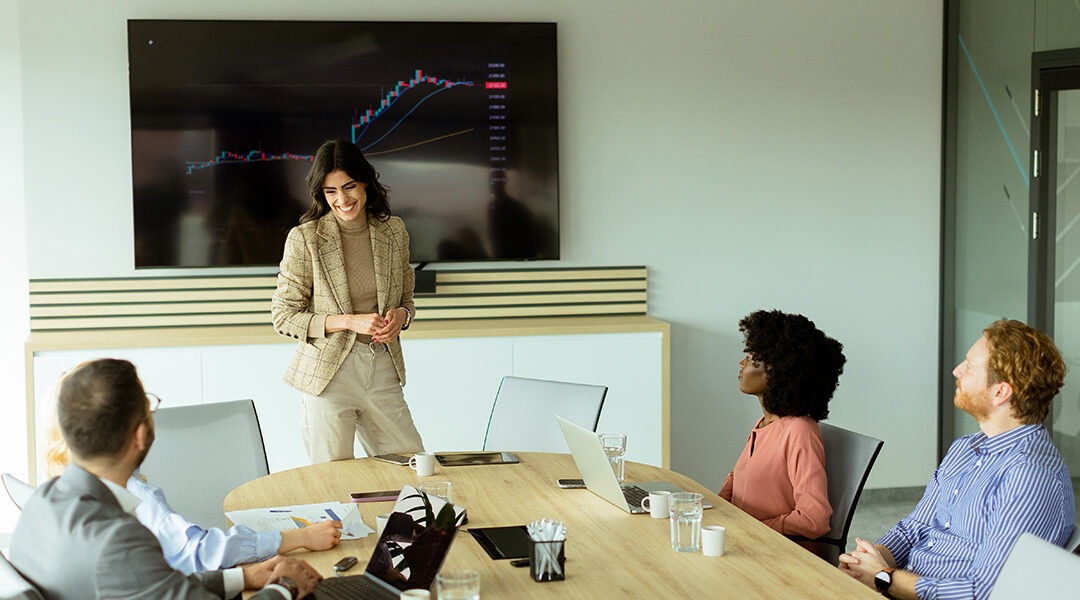
If presenting means messing with cables, adapters, inputs, or reboots, meetings slow down. People stop using the room tech and huddle around a laptop—making it harder for remote attendees to follow.
This usually points to a few issues:
- Inconsistent connections (different cables/dongles by room, or no standard at all)
- Confusing input switching and unreliable handoffs between presenters
- Wireless sharing that works only “sometimes,” depending on device or network conditions
- Displays that are undersized, poorly placed, or not configured for readable content
Vista Technologies makes sharing simple and consistent in every room—one connection, fewer steps, and clear, easy-to-read displays. That means faster presenter handoffs, fewer interruptions, and smoother meetings for in-room and remote attendees.
5) Unreliable Equipment
When a conference room requires frequent resets, behaves differently after software updates, or fails unpredictably, it may be time to look beyond another quick fix.
Signs that your system may be aging or becoming unreliable include:
Intermittent audio, video, or display issues
Longer recovery times after updates or power cycles
Workarounds that only certain employees know
Dependence on a specific cable, laptop, or sequence of steps
Recurring support tickets for the same problems
Vista Technologies can assess your existing environment and help determine the best path forward. That doesn’t always mean replacing everything. Vista Technologies helps pinpoint what’s working, what’s causing the biggest issues, and which upgrades will make the most difference.
This lets organizations prioritize upgrades and modernize rooms in phases, without replacing everything at once.
A Look at Vista Technologies in Action
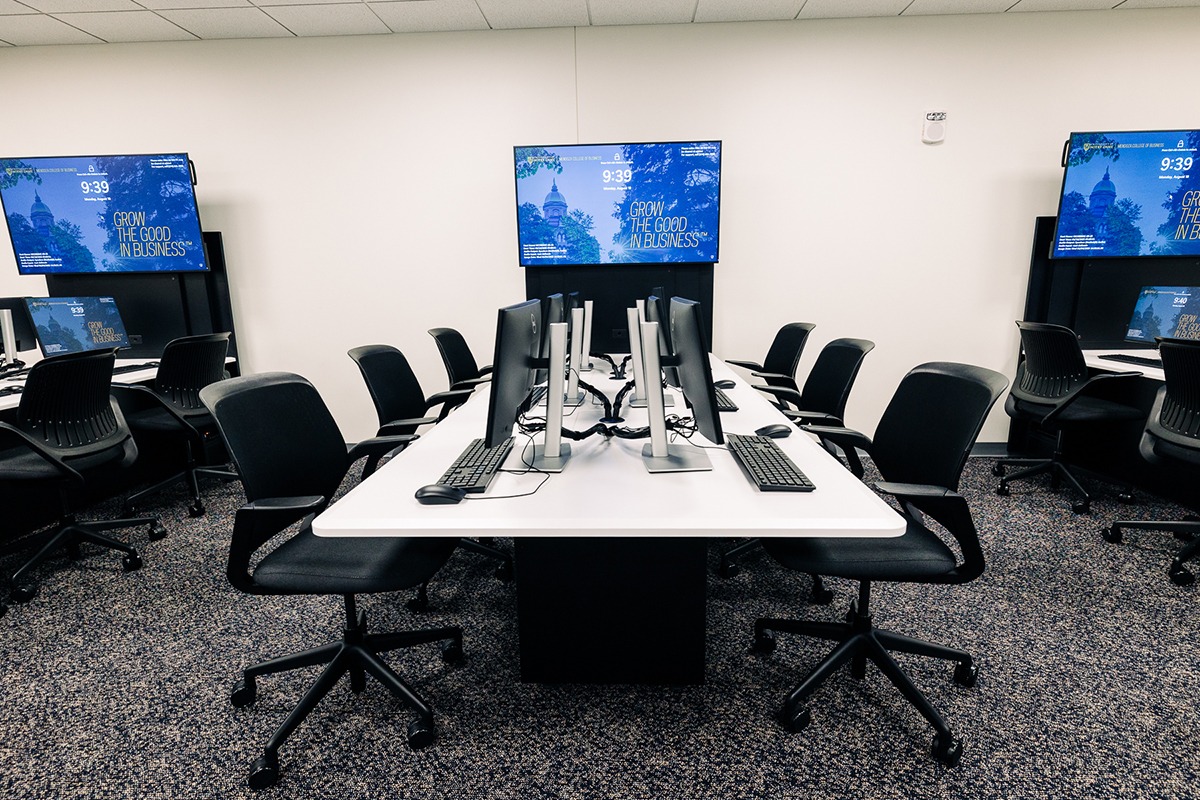
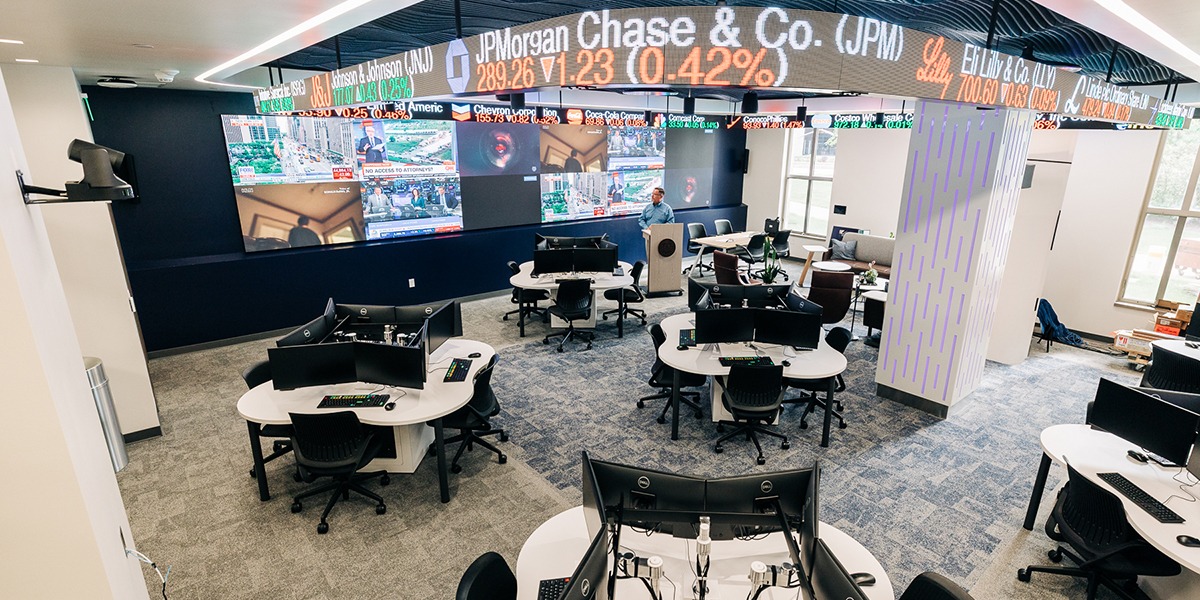
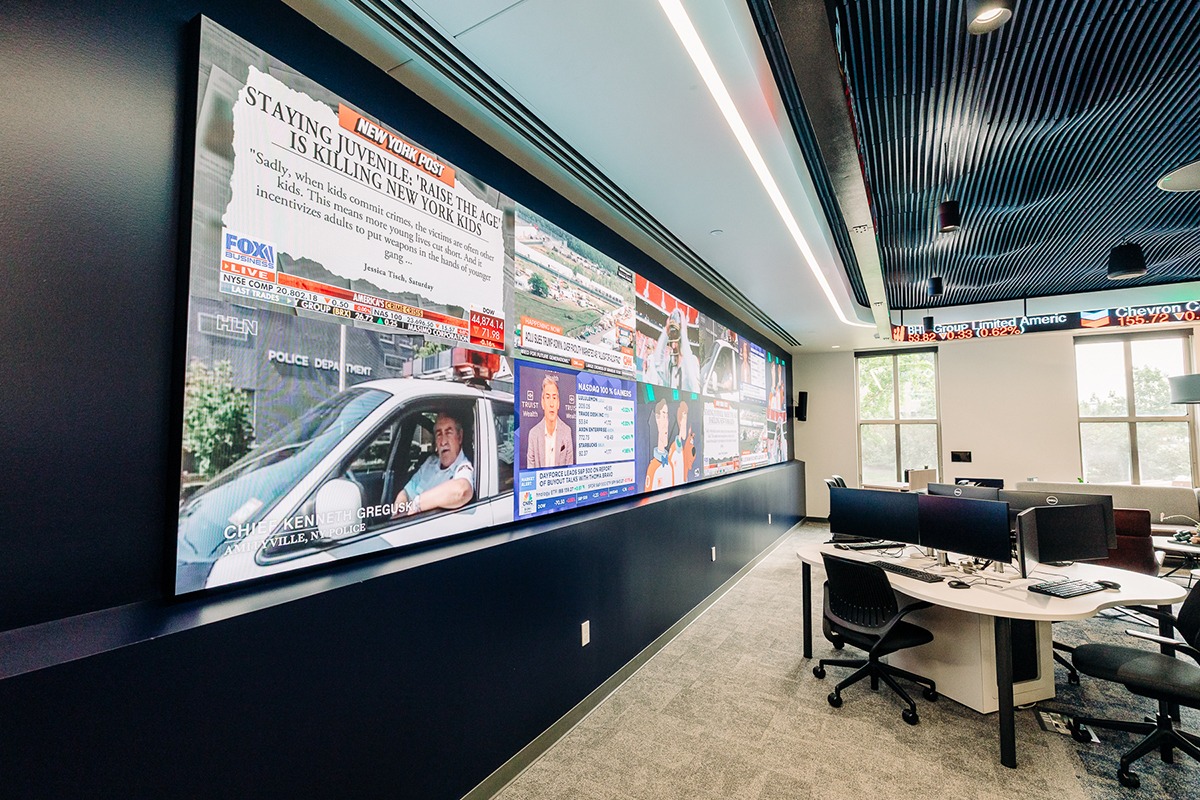
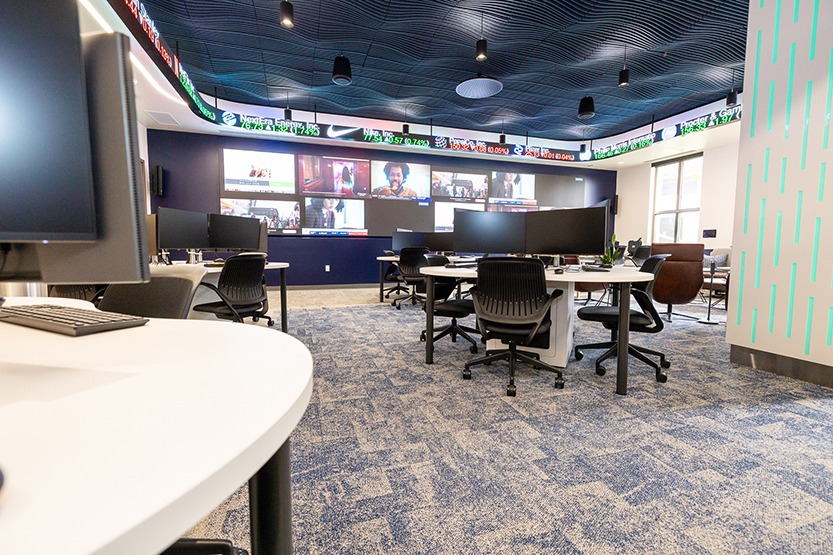
A great example of Vista Technologies’ approach is its work with the University of Notre Dame’s Mendoza College of Business. Mendoza wanted to create a state-of-the-art stock room that would give students hands-on experience with real-world financial markets.
Vista worked with Mendoza’s team, architects, and other industry experts to develop a customized AV solution, including Bloomberg Terminals, Video Boards, Audio, Digital Signage, and a Stock Ticker—all integrated to support the client’s requests.
The project shows how Vista Technologies looks at the entire space and how it needs to be used before determining the right technology. That same approach can be applied to conference rooms, creating systems that are easier to use, work reliably together, and support how your team meets and collaborates.
The Goal: A Conference Room Experience People Can Count On
A reliable conference room doesn’t come from individual equipment fixes. It starts with technology that’s designed to work together, built around the space, and supported over time.
For organizations with multiple meeting spaces, creating a consistent technology experience across rooms and locations makes systems easier to use and support. Vista Technologies can help evaluate your current setup and determine which upgrades make the most sense, whether you’re improving one room or creating a standard across an entire campus.
With OneCare Service and OneCare Complete, ongoing support helps keep your technology reliable and ready to meet your needs as systems evolve.
The goal isn’t simply newer technology. It’s a conference room experience your team can count on every time.